
Account
Profile, notifications and alerts
Your details, results and the messages the app sends you.
Your name, your results and the pages around them.
What you can do
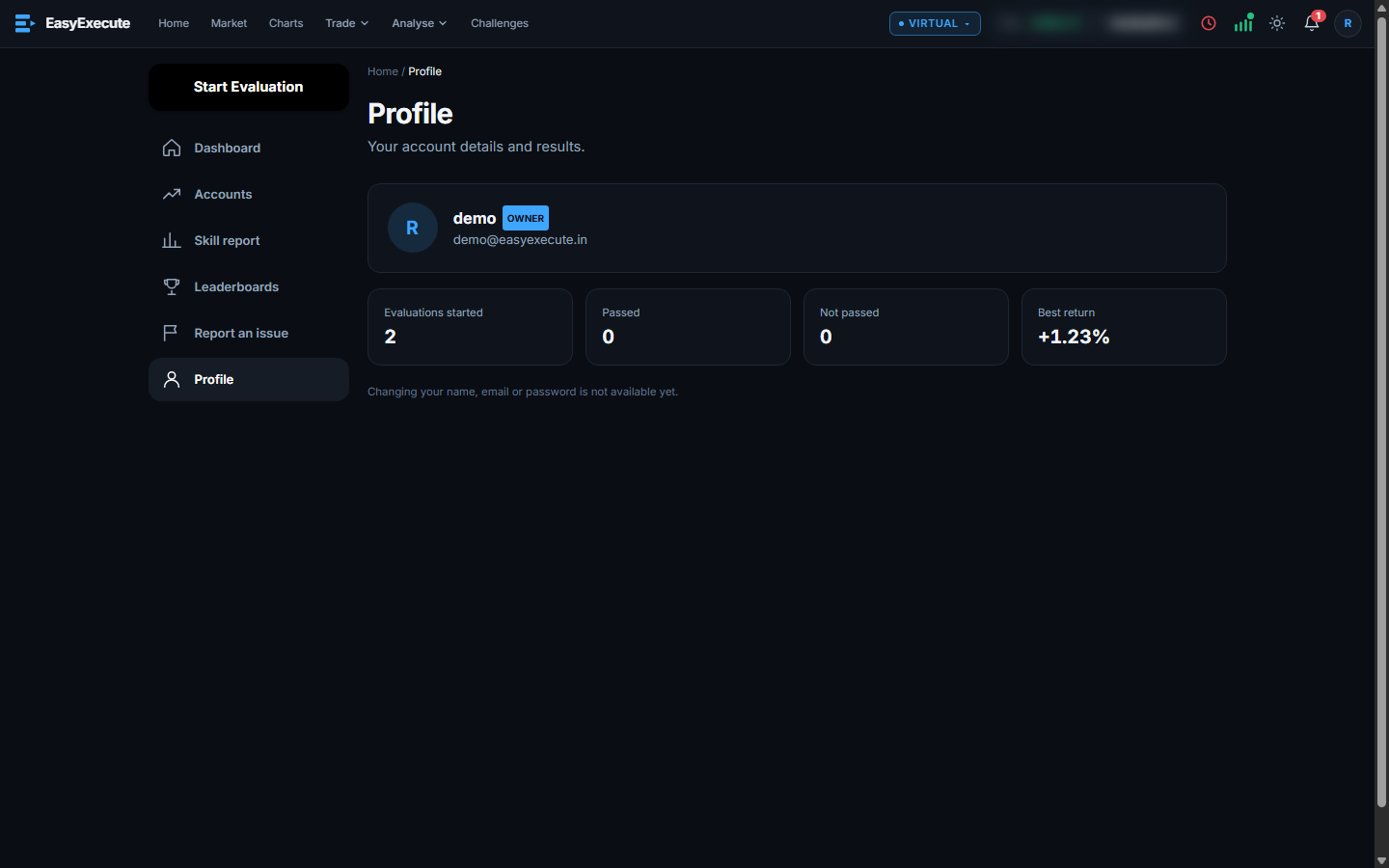
- Profile: your details and your evaluation results.
- Beta badge: every page shows Beta and the version number next to the logo. The About page (account menu, and open without logging in) shows the version, what the app does and does not do, market hours, links and the release notes.
- System notifications are in the bell in the header: replies to your reports, expired positions settled, unfilled orders removed at the close, GTT and strategy events.
- Price alerts on a stock or a drawing have their own Alerts section and pop up when they fire.
- Change the theme with the sun / moon button. It follows your device until you click it.