
Getting started
Introduction
What EasyExecute is and how the pieces fit together.
EasyExecute puts professional charts, an options toolkit and a one-screen way to execute orders in one place. It runs on live NSE prices and trades on a virtual account for now, so you can plan, test and learn without risking real money.
The main parts
- Market and Watchlist: live prices of indices and stocks, and your own lists.
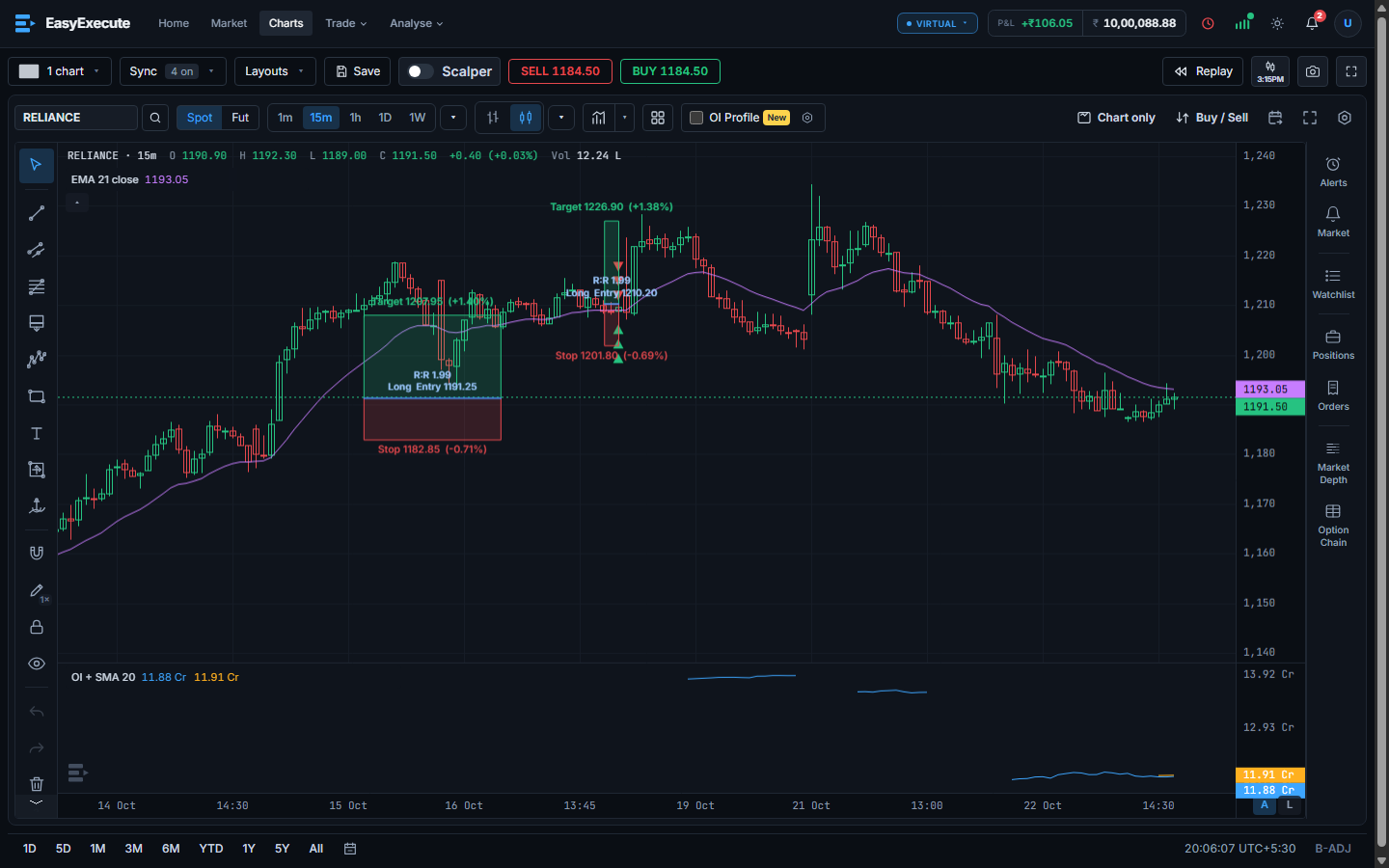
- Charts: candlestick charts with indicators, drawing tools, replay and a side panel with alerts, positions and market depth.
- Easy Execute: carry out a big or careful order in pieces, by price, time, volume or indicator level.
- Professional Target / Stop-loss: protect a position or a strategy with stop-loss and target rules that professionals use, such as trailing, ATR, EMA crossover and Heikin-Ashi.
- Option Chain and other Analyse tools: calls and puts by strike with open interest.
- Skill report, Trade journal and Observation: your closed trades graded, and where you win and lose.
The virtual account
Today every order goes to your Virtual account. Margin, fees and market hours behave like the real market, so the habits you build carry over. No real orders are placed yet. A live trading account is coming: you will be able to connect your broker and trade for real.
Note. EasyExecute is in beta and access is by invitation. You may be asked for a beta invite code when you create an account. The Beta badge next to the logo shows the version, and About in the account menu lists the release notes.
Note. Orders are accepted only while the market is open (Monday to Friday, NSE hours, not on holidays). Outside those hours you can still use charts and the analysis tools.